
The only time users need to use 60 FPS is when videoing in slow motion. Otherwise, when you render your video every third frame is thrown away. So people who are under the assumption that 60 FPS is better all the time are being silly. But at any rate here is how you set up your iPhone 6 and iPhone 6 + to record using the added 60 FPS option.
1. Open Settings
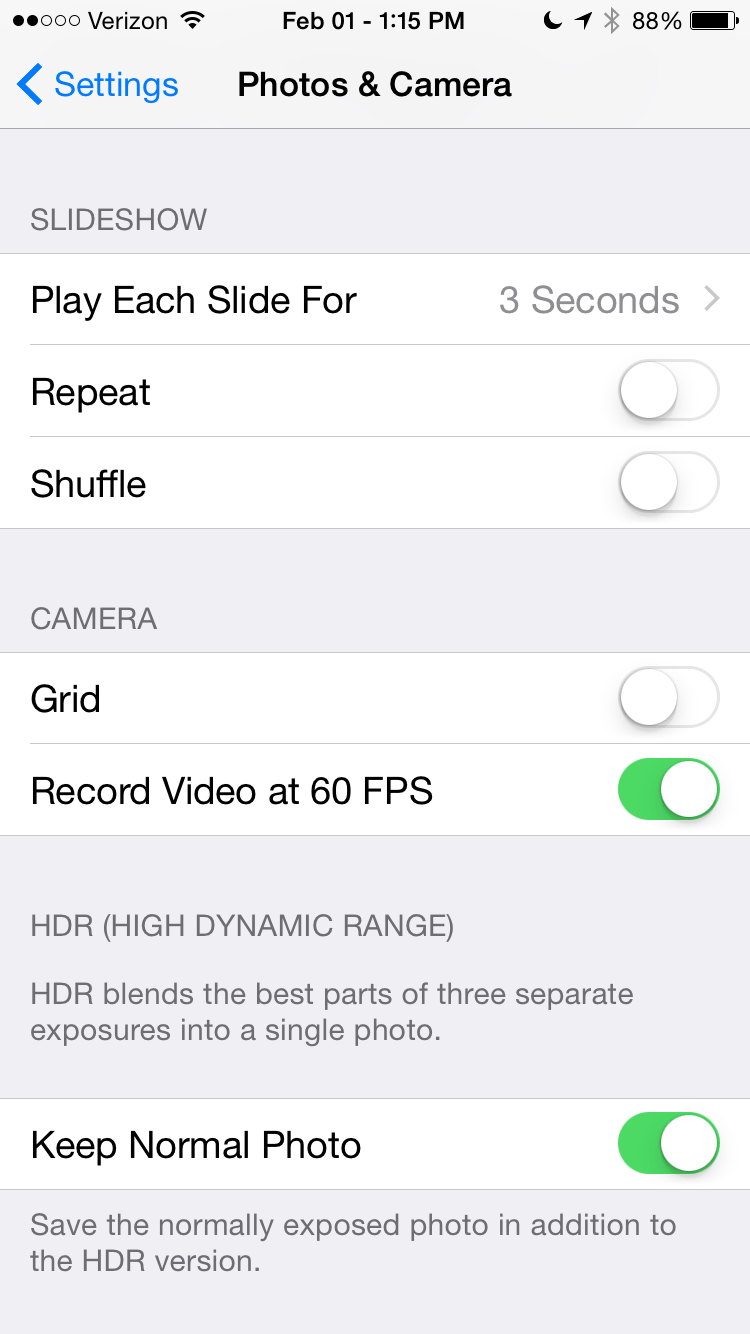
2. Tap the Camera and Photo option
3. Find the toggle for 60 FPS and enable it
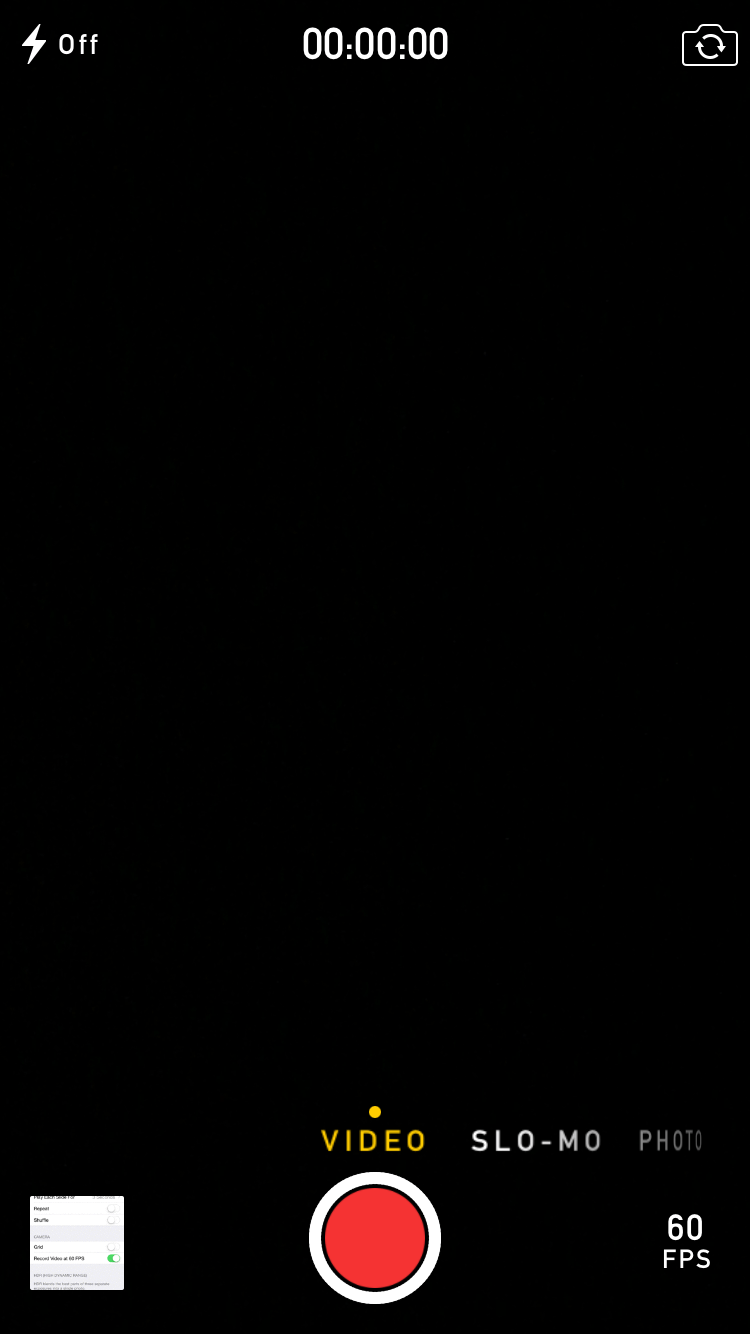
4. You should now see the 60 FPS option at the bottom right side of the camera apps options
when the video option has been enabled.
Below are some screen shots to help you better understand.



[…] each Sunday for the previous weeks top Five iOS 8 Cydia Tweaks. We also share many other great tips for iOS devices throughout the week every […]