
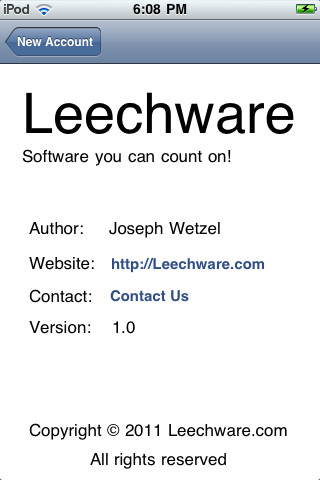
Network Copy & Paste
Looking for a simple way to copy something from your iPad or iPhone to your desktop or laptop and visa versa? Well, look no further, I found Network Copy & Paste for a mere .99 cents. At first, I got myself confused and decided that this app was not for me. I finally gave in and went to the website http://www.leechware.com and watched the instructional video. After finishing it I said to myself “duh” how simple is that. What I expected was what I copied to show up someplace on the screen. Not realizing that what I copied was saved on the iPad2 clipboard. First, you have to install Network Copy & Paste on your computer and iPad which takes seconds to do.
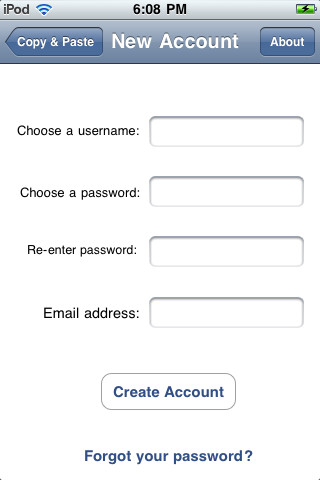
Once installed on your devices you simply create an account. There is only one page showing so don’t start looking for tabs or another page to pop-up. I used a test document on my ipad2 and sent it to my desktop. Go to the document and as you normally would tap and copy. Next go to your laptop or desktop, open a Word Document blank page and do a paste and your document shows up. I don’t question how it is done as long as it is working. Knowing the mechanics sometimes causes more problems then it is worth.


Leave a Reply