
This tweak suit people who do lots of messaging and iMessaging at the same time. Its really frustrating to continually click the “Messages” button to move back to message list and see who has messaged you. With this tweak you can easily check your messages with the tip of your thumb by swiping from right to left to preview the new conversation without ever leaving your current message pane.
With this tweak all you need to do is to swipe from right to left to view the preview the next message and if you let go, you will be navigated to that message you have previewed.
Installing this tweak will add a preference pane in the Settings menu where you can do the configurations to suit your liking.
From the preference pane, you can choose to enable or disable this tweak, hide or display the preview of the next message you are about to view, enable or disable the wrap and set where to perform the swipes to display the preview of the next message.
In my opinion setting the swipe to start from the center is much better because setting it on the edges will conflict with the iOS feature where you swipe from the edge to move back to the previous page/pane.
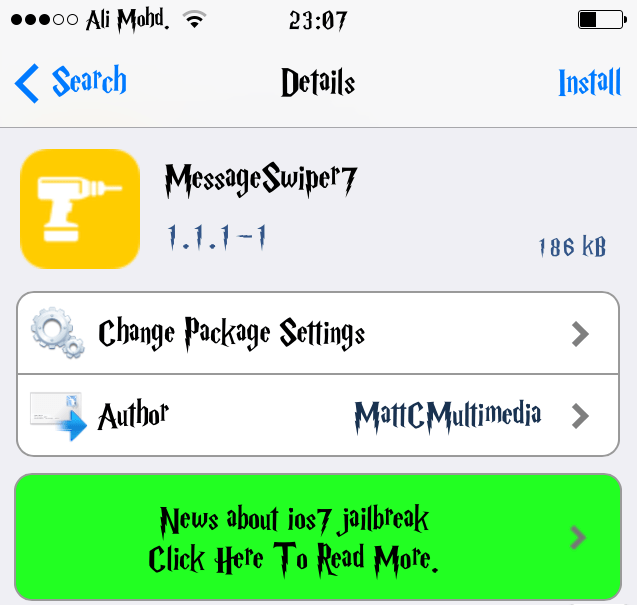
I recommend this tweak to everyone especially those who are really into lot of smses and iMessaging. This tweak is available on Cydia for free.


Leave a Reply